First-Then Board App
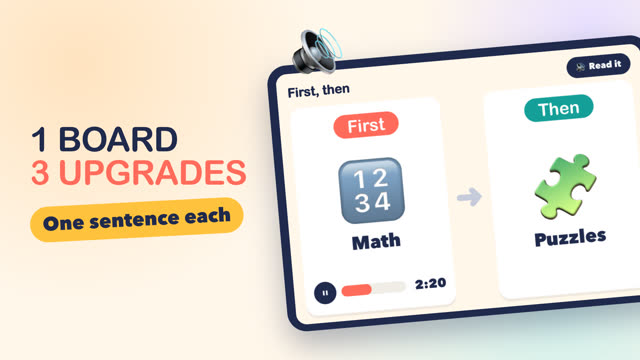
One First/Then board, three upgrades.
▶️ Open the free app
Tip: on a tablet, use your browser’s “Add to Home Screen” to open it like an app.
The exact prompts
Paste into any AI chat assistant, in order. Change the grade or topic to make it yours.
Step 1
Make a simple first/then board. Two big boxes side by side, labeled First and Then, each with a large picture and a word.
Step 2
Add a timer under the First box, so students can see how much work time is left.
Step 3
Add a speaker button that reads the board out loud.